

All four of these Hollyland cameras shoot 4K, so resolution is not what separates them. What separates them is what has to sit between the camera and your audience: a computer, a switcher, an operator — or nothing at all. Answer that first and the choice mostly makes itself.
The short answer
| Camera | Price | How it goes live | Best for |
|---|---|---|---|
| Lyra 4K | $149 | USB into your computer | Desk, calls, solo streaming |
| VenusLiv V2 | $399 | Streams by itself — no computer | One-person live shows, landscape + vertical |
| VenusLiv Air | $549 | USB (no capture card) or HDMI 2.0 to a switcher | Dim rooms, best image in the group |
| Astra P1 | $1,999 | NDI|HX3 on the network, PTZ | Churches, lecture halls, venues without an operator |
Lyra: a better webcam, not a production camera
Lyra is the one to buy if the camera lives on top of a monitor. Its 1/1.5-inch sensor is far larger than a typical webcam’s, and phase-detection autofocus tracks a moving subject instead of hunting. AI tracking and auto-framing keep you centred, and background removal works without a green screen.
It also pairs wirelessly with a LARK A1 microphone, which matters more than the picture: most calls and streams fail on sound, not image. If you want the camera plus its streaming accessories in one box, the Lyra Streaming Combo is $159.
Lyra 4K UHD Webcam — $149
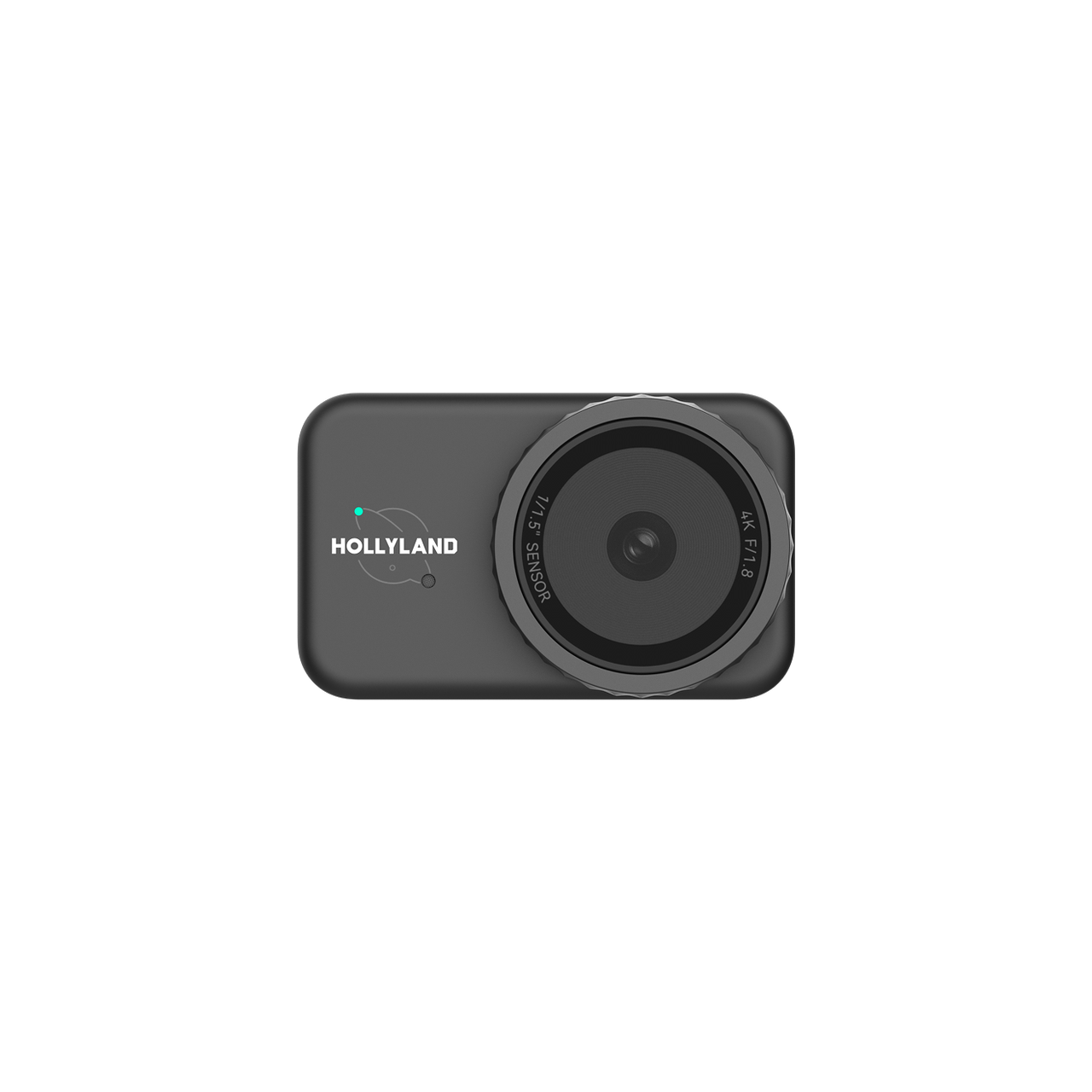
Large-sensor 4K camera with PDAF, AI framing and wireless LARK A1 audio pairing.
See the Lyra 4K UHD Webcam →VenusLiv V2: when you do not want a computer in the chain
The VenusLiv V2 has the streaming apps built in. One tap and it is live — no OBS, no capture card, no laptop deciding to update in the middle of a broadcast. It shoots 4K30 with fast hybrid autofocus and 6x zoom, and outputs horizontal or vertical, so the same camera serves YouTube and TikTok.
It has both Wi-Fi and LAN. Use the cable whenever the broadcast matters.
VenusLiv Air: the image quality pick
The Air pairs a 1/1.3-inch sensor — the largest here — with a custom F1.05 lens. That combination is why it holds up in dim rooms where smaller cameras turn to noise. It connects to a computer over USB with no capture card, and HDMI 2.0 out covers the switcher path when you grow into a multi-camera setup. A heat-dissipation system is built in for streams that run for hours.
If the room is badly lit and you cannot fix the lighting, buy the bigger sensor.
VenusLiv Air — $549
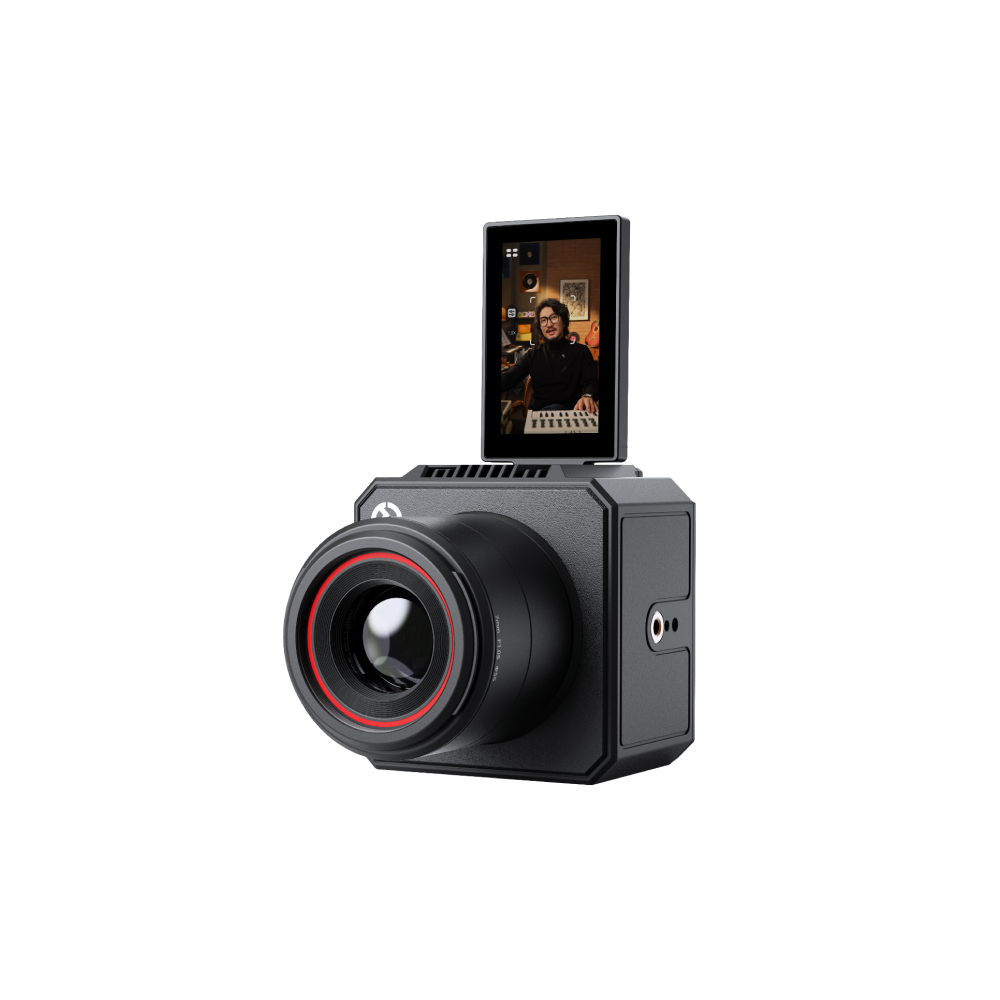
1/1.3-inch sensor, F1.05 lens, 4K30, USB and HDMI 2.0 out.
See the VenusLiv Air →Astra P1: covering a room without an operator
Astra P1 is a different category: a PTZ camera meant to be installed. 30x optical zoom lets it sit at the back of a hall and still fill the frame with a face, at UHD 4K60. AI auto-tracking follows a speaker who walks, and face-detection auto exposure keeps them correctly exposed when they pass a bright window — the two things that ruin most unattended setups.
NDI|HX3 puts it straight onto a production network, an optional PTZ controller is available, and it carries a 5-year warranty — appropriate for a camera meant to stay on the wall.
Astra P1 — $1,999
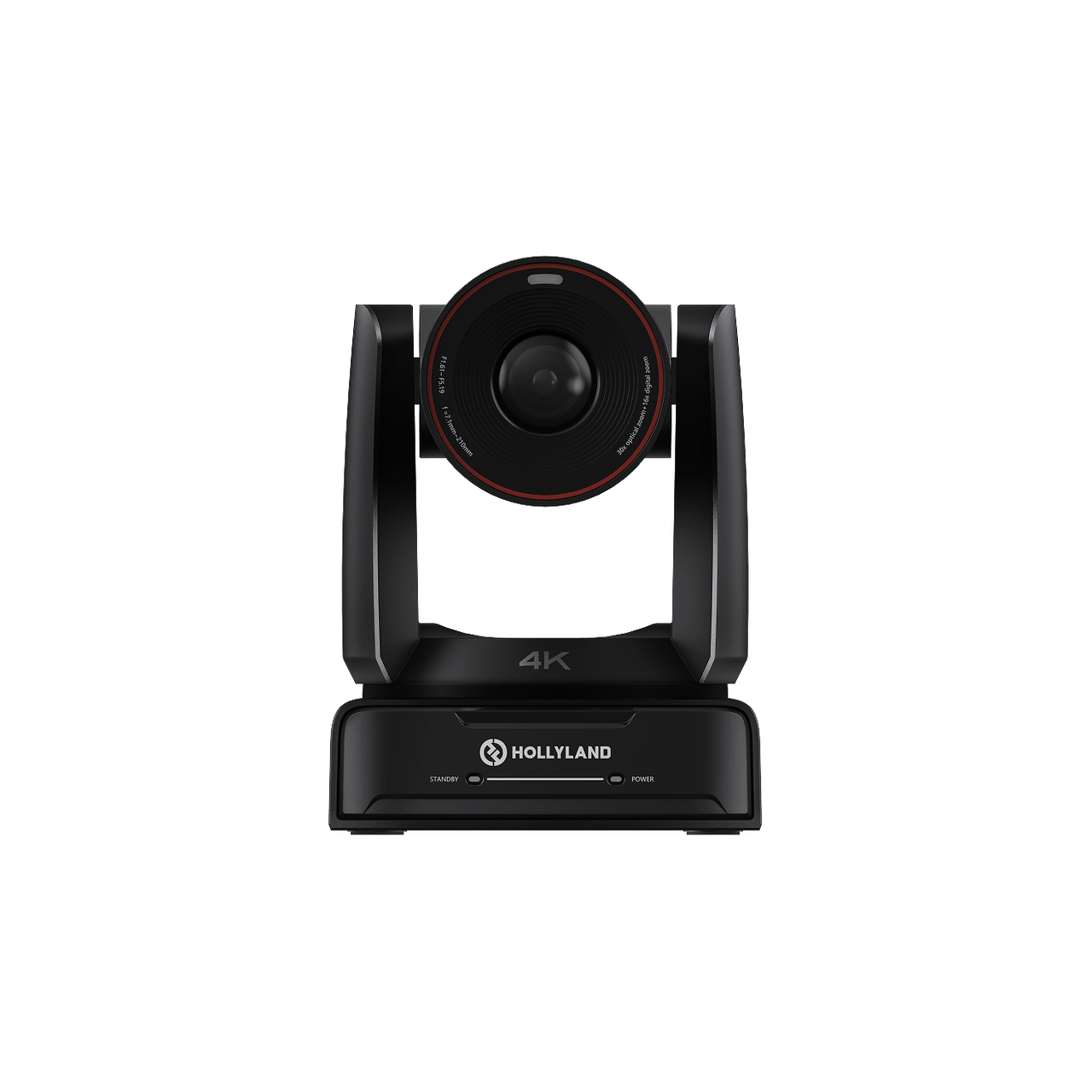
UHD 4K60 PTZ with 30x optical zoom, AI tracking, NDI|HX3 and a 5-year warranty.
See the Astra P1 →Three questions that decide it
- Will a computer be running anyway? Yes → Lyra or VenusLiv Air. No → VenusLiv V2.
- Is the room dim? Choose the VenusLiv Air for its larger sensor and F1.05 lens.
- Is anyone standing behind the camera? If not, and the room is large, that is what the Astra P1 is for.
Whichever you choose, plan the audio at the same time — our wireless microphone guide covers what actually ruins sound on a stream.
No sales tax. Every order ships from Portland, Oregon, and Oregon has no state sales tax — the price you see is the price you pay. Not sure which one fits? Message our team on WhatsApp and describe your setup.